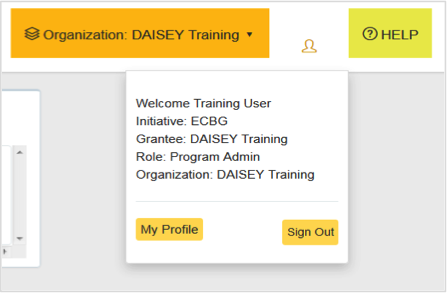
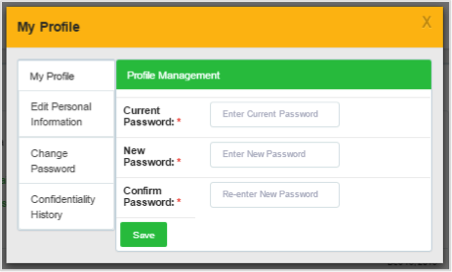
Find Answers DAISEY Orientation My Profile My Profile Access “My Profile” by clicking the profile icon in the upper right-hand corner. Click “My Profile” then: Click “Edit Personal Information” to change first and/or last name. Click “Change Password” to change password. Click “Confidentiality History” to view and print user agreements. My Profile Was this helpful? Yes No
My Profile Access “My Profile” by clicking the profile icon in the upper right-hand corner. Click “My Profile” then: Click “Edit Personal Information” to change first and/or last name. Click “Change Password” to change password. Click “Confidentiality History” to view and print user agreements. My Profile